Coding · Beginner
Code and share your first Scratch game on the Scratch website
A guided path from start to finish — the best lessons, in the right order, with checkpoints that prove you can do it.
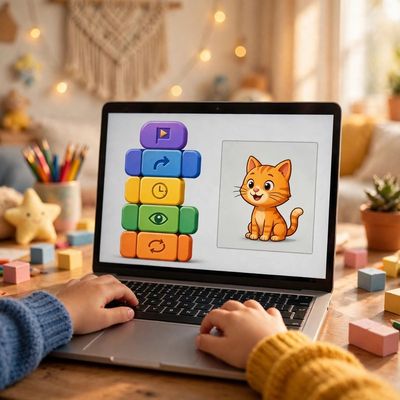
Your finish line
Build and share your own playable Scratch game (a sprite you control, scoring, and a win/lose condition) on the Scratch website.
What you will do, step by step
- 1LessonBeginners Guide To Scratch (VERY Simple)Lesson by ZonxScratch
- 2LessonScratch Basics - Episode 1: Introduction to the Scratch Working EnvironmentLesson by Ampere
- 3CheckpointCheckpoint: know the editorProve it — do it yourself.
- 4LessonScratch Basics - Episode 2: Deleting a Sprite, Adding a Sprite & Adding a BackdropLesson by Ampere
- 5LessonScratch Basics - Episode 3: Make Your Sprite Say Something!Lesson by Ampere
- 6CheckpointCheckpoint: move and say helloProve it — do it yourself.
- 7LessonDraw SHAPES like a PRO | Scratch Pen TutorialLesson by The STEAMist
- 8LessonScratch: MovingLesson by Duncan Moran
- 9CheckpointCheckpoint: arrow-key controlProve it — do it yourself.
- 10LessonHow to Make a Clicker Game in Scratch | TutorialLesson by Scratch Team
- 11LessonChase Game for Beginner Game DesignersLesson by Ampere
- 12CheckpointCheckpoint: score and winProve it — do it yourself.
- 13CheckpointFinish: your playable game, shared safelyProve it — do it yourself.
MyPath turns the world’s best lessons into one clear, guided path. Pick a finish line, follow your next step, and learn from start to finish — no endless feed, no autoplay, no paywall on learning.