Business · Beginner
Inventory management from zero
A guided path from start to finish — the best lessons, in the right order, with checkpoints that prove you can do it.
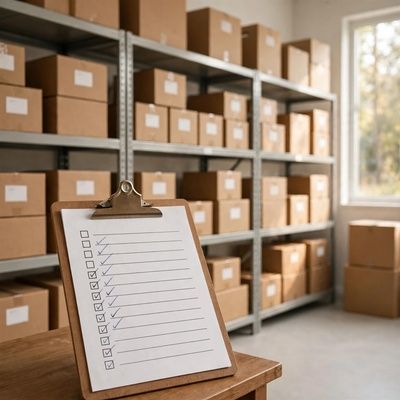
Your finish line
You set up a working inventory system for a small shop or side hustle — track stock in/out, set reorder points, and run a full stock count with a spreadsheet.
What you will do, step by step
- 1LessonWhat Is Inventory Management? - Whiteboard WednesdayLesson by Fishbowl Inventory
- 2LessonCreate a SKU System in 5 StepsLesson by FitSmallBusiness
- 3CheckpointCheckpoint: Build a SKU systemProve it — do it yourself.
- 4LessonHow to receive and put away new stock | inFlow InventoryLesson by inFlow Inventory
- 5LessonHow to Run a Small Business Using Excel | Track Inventory, Sales & Profit Step-by-Step #excelLesson by Tech Table Tutor
- 6CheckpointCheckpoint: Build your stock trackerProve it — do it yourself.
- 7LessonWhat is a Reorder Point?Lesson by Marketing Business Network
- 8CheckpointCheckpoint: Set reorder pointsProve it — do it yourself.
- 9LessonHow to manage inventory: FIFO, LIFO, AVCO | Small Business Guides | XeroLesson by Xero Accounting Software
- 10LessonCycle Count Best Practices & How To Cycle CountLesson by Distribution & Warehousing Tips
- 11LessonWhat is Shrinkage in retail ?Lesson by B2Bwhiteboard
- 12CheckpointCheckpoint: Run a cycle countProve it — do it yourself.
- 13CheckpointCheckpoint: Your working inventory system (finish line)Prove it — do it yourself.
MyPath turns the world’s best lessons into one clear, guided path. Pick a finish line, follow your next step, and learn from start to finish — no endless feed, no autoplay, no paywall on learning.