Coding · Beginner
Build your first game with Godot from zero
A guided path from start to finish — the best lessons, in the right order, with checkpoints that prove you can do it.
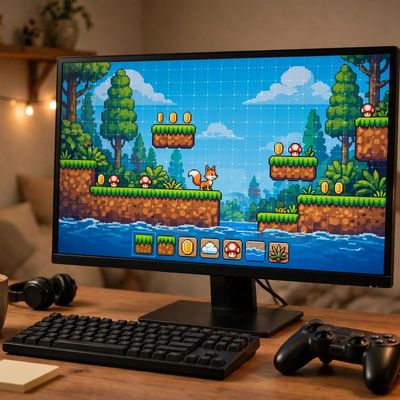
Your finish line
A playable Godot 2D mini-game (player moves, collects items, score shown) exported and running on the learner's computer.
What you will do, step by step
- 1LessonGodot 4 Crash Course #1 - The BasicsLesson by Net Ninja
- 2LessonBuild a Game (in Godot) Before the End of the DayLesson by Heartbeast
- 3CheckpointInstall Godot and create your first projectProve it — do it yourself.
- 4LessonHow to make a Video Game - Godot Beginner TutorialLesson by Brackeys
- 5LessonHow to program in Godot - GDScript TutorialLesson by Brackeys
- 6CheckpointMake a player that moves with the arrow keysProve it — do it yourself.
- 7LessonMake Your First 2D Game with Godot: Player and Enemy (beginner tutorial part 1)Lesson by GDQuest
- 8LessonYour First 2D GAME From Zero in Godot 4 **Vampire Survivor Style**Lesson by GDQuest
- 9CheckpointEnemies, collectible items, and a working scoreProve it — do it yourself.
- 10LessonComplete 2D Platformer in Godot 4 Tutorial - Zero to Shipped Game for BeginnersLesson by Brett Makes Games
- 11CheckpointExport your game so it runs outside the editorProve it — do it yourself.
- 12CheckpointYour first game is live: move, collect, scoreProve it — do it yourself.
MyPath turns the world’s best lessons into one clear, guided path. Pick a finish line, follow your next step, and learn from start to finish — no endless feed, no autoplay, no paywall on learning.