Skills · Beginner
Excel from zero to your first dashboard
A guided path from start to finish — the best lessons, in the right order, with checkpoints that prove you can do it.
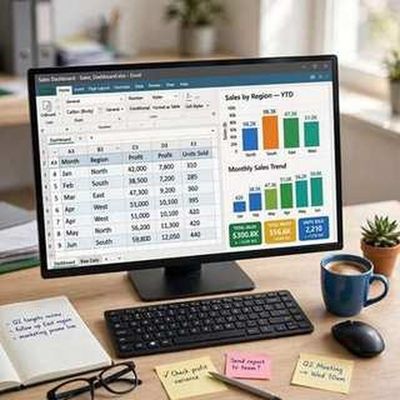
Your finish line
Build a clean, formatted Excel dashboard (with charts) from raw data.
What you will do, step by step
- 1LessonIntroduction to Spreadsheets (using Excel)Lesson by Vertex42
- 2LessonMicrosoft Excel Basics for BeginnersLesson by Microsoft Mechanics
- 3CheckpointEnter your first tableProve it — do it yourself.
- 4LessonThe Beginner's Guide to Excel - Excel Basics TutorialLesson by Technology for Teachers and Students
- 5LessonBeginner's Guide to Excel Functions and FormulasLesson by Technology for Teachers and Students
- 6CheckpointYour first formulasProve it — do it yourself.
- 7LessonExcel Formulas and Functions - Tutorial for BeginnersLesson by Kevin Stratvert
- 8LessonAbsolute vs relative cell references in ExcelLesson by Melissa Compton
- 9CheckpointBuild a budget with smart formulasProve it — do it yourself.
- 10LessonThe Power of Excel Tables [FREE WORKBOOK!]Lesson by Excelevate
- 11LessonIntroduction to Pivot Tables, Charts, and Dashboards in Excel (Part 1)Lesson by Excel Campus - Jon
- 12CheckpointSummarize with a pivot table and chartProve it — do it yourself.
- 13LessonCreate a Interactive Business Performance Dashboard in Excel | Beginner to ProLesson by Vedakarna
- 14LessonWhat's Wrong With My Chart?? Too Wide, Too Narrow, Too Much or Too Little White Space?Lesson by Ann K. Emery
- 15CheckpointShip your first dashboardProve it — do it yourself.
MyPath turns the world’s best lessons into one clear, guided path. Pick a finish line, follow your next step, and learn from start to finish — no endless feed, no autoplay, no paywall on learning.